
Mobile Bidding &
Auction Software
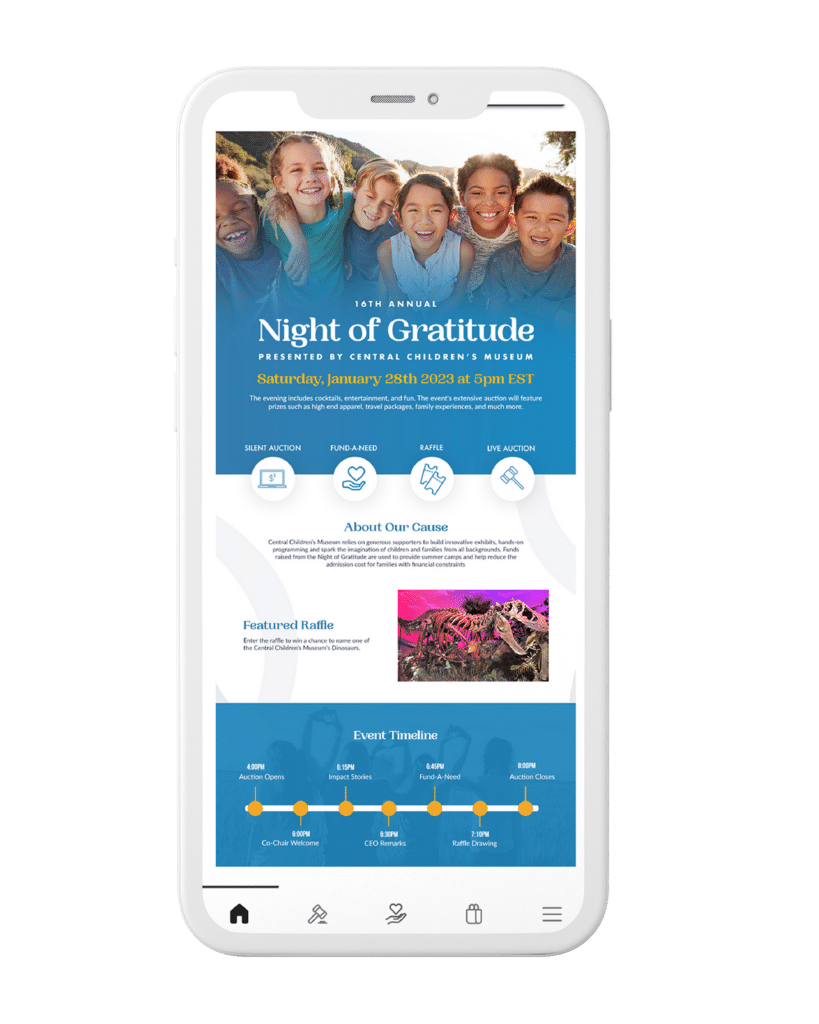
Elevate the guest experience from start to finish with powerful auction software.
Maximize Your Auction
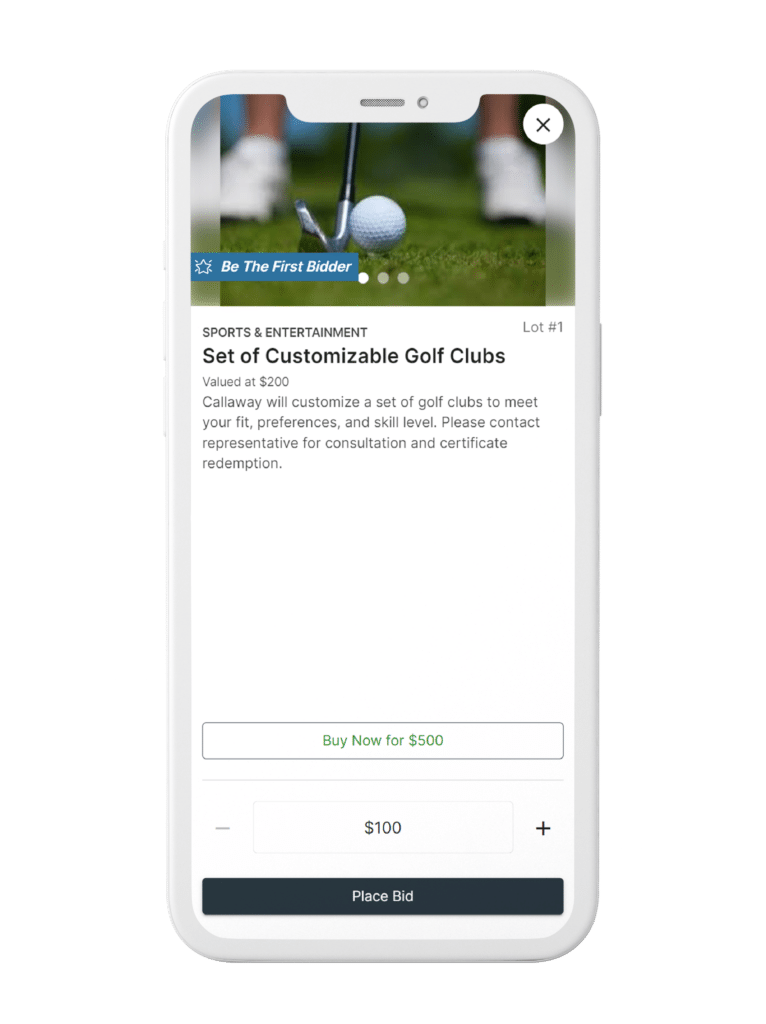
Create memorable event experiences with innovative, easy-to-use mobile bidding and auction software. Whether you’re hosting an in-person, virtual, or hybrid fundraiser, streamline your auctions and raise more for your cause.
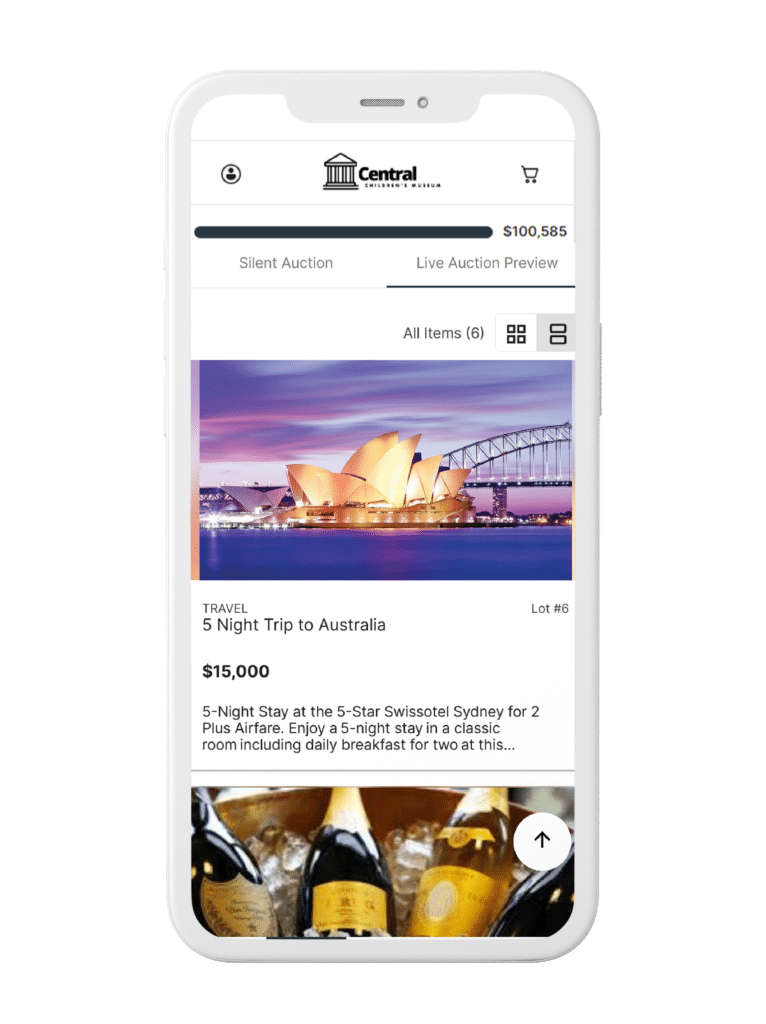
- Seamlessly manage silent auctions, live auctions, and online auctions.
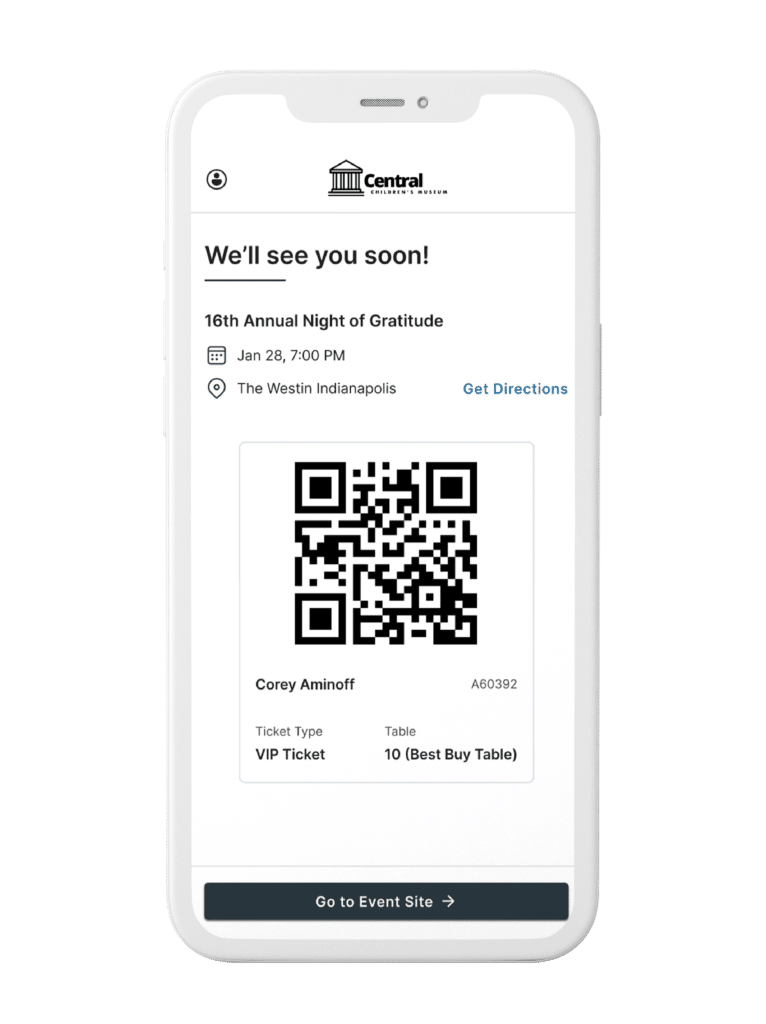
- Make waiting a thing of the past with express check-in and checkout.
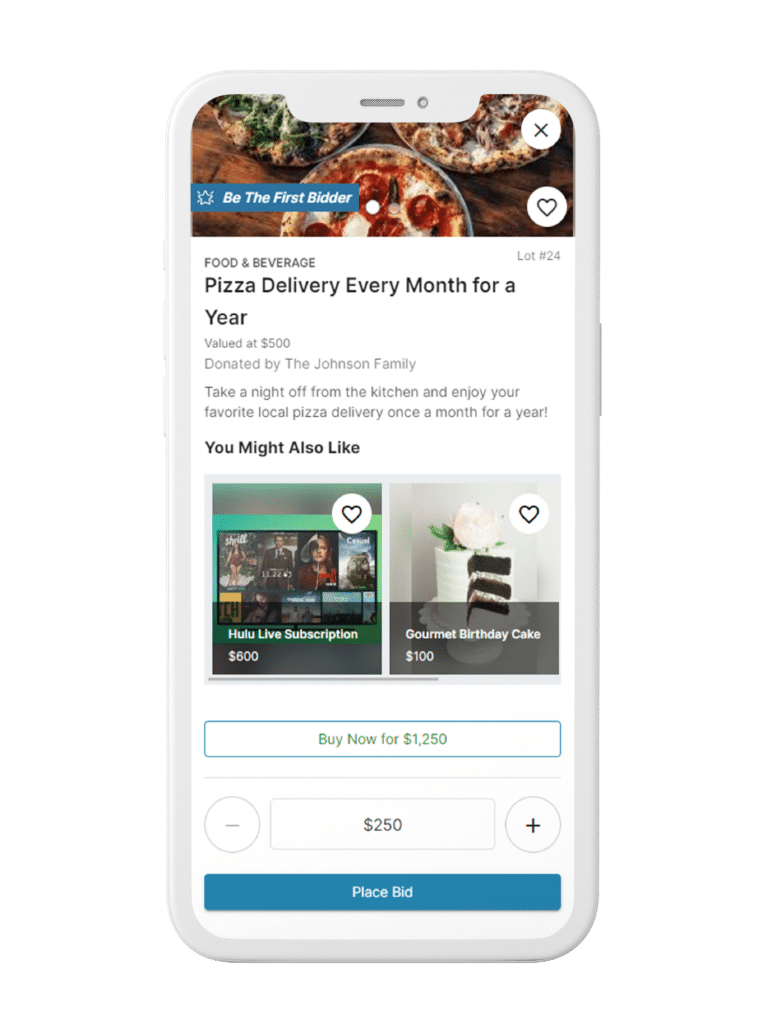
- Boost revenue with competitive bidding, max bids, outbid notifications, donation appeals, and more.
- Save time with easy item procurement, AI-powered tools, and user-friendly reporting.
We used OneCause for the first time this year and tripled our revenue. It was easy to learn and the support was really fabulous. We were able to be more efficient with our time and manage all the details of our auction while attendees enjoyed bidding!







Resources

Let’s Chat
Have questions about how to use the OneCause Fundraising Platform or want to schedule a demo? Let us know how we can help you on your mission.Get Started